River Explorer
Base Layer
Overlays
Welcome Fellow Adventurers
Canoeing rivers in the Midwest offers a wonderfully accessible and diverse experience, shifting from peaceful, meandering streams to broad, powerful waterways. You can expect to paddle through landscapes carved by glaciers, characterized by limestone bluffs, dense hardwood forests, and exposed sandstone cliffs. The rivers themselves are often gentle and slow-moving, making them ideal for relaxing floats, though some, like the St. Croix or Kickapoo, provide swifter currents and light rapids for a bit more excitement. A hallmark of the experience is the abundant wildlife; it's common to spot great blue herons stalking the shallows, bald eagles soaring overhead, and families of deer or beaver along the banks. Many Midwest rivers, such as the Wisconsin, are famous for their countless sandbars, which become perfect, secluded spots to pull over for a picnic or even set up a primitive campsite for the night, miles from any road.
Note: Routing may not always work as intended. Please do more research before deciding on your adventure.
Disclaimer: Colors represent estimated water speed based on elevation data. Red sections ("Steep") may indicate a hazard, or data inconsistency caused by low quality satellite data. This is a best-guess calculation. Always verify hazards using satellite imagery, official maps, and local knowledge.
How to Use the Planner
Your next paddling adventure is just a few clicks away. Follow this guide to master the planner.
Explore & Select a River
Your adventure begins with a river. Click any colored river path on the map to instantly select it. Alternatively, use the "Select a River" dropdown—complete with a search bar—to find your desired waterway. Selecting a river will:
- Zoom the map to your river and reveal all known points of interest, like landings, campsites, and potential hazards.
- Instantly load key details like difficulty, location, and a full description into the panel below the map.
- Familiarize yourself with the map icons using the collapsible Legend at the top-right.
Plan & Manage Your Route
Once your river is on screen, planning is as simple as clicking. Click any valid waypoint (like a boat launch) to set your Start Point. Click another to set your End Point. The map instantly analyzes the river path between them and calculates:
- Key Trip Stats: View your total distance and the river's gradient, which helps estimate the current.
- River Speed Colors: The route line changes color to show gradient: Blue (Flat), Green (Steady), Orange (Fast), and Red (Steep).
- Real-Time Water Levels: If a USGS gauge is detected near your start point, live flow (CFS) and height data will appear instantly.
- Route Menu : Use the Folder Icon on the toolbar to Save your plan, Load previous trips, Share a link, or Import/Export GPX files.
- Logistics & Safety: Get vital info at a glance. Check for active flood warnings, view weather forecasts, and generate Google Maps shuttle directions.
Customize, Prepare, & Go!
With your route locked in, use the app's advanced features to prepare for your trip and track your progress on the water.
- Settings Menu : Adjust your Paddling Speed to get accurate time estimates and toggle Auto-Restore to keep your session safe.
- Customize Your Map: Use the Layers Menu to switch between Terrain/Satellite views and toggle overlays like USGS Water Levels or Hazards.
- Add Custom Markers: Use the Map Pin button in the metrics overlay to enter "Add Waypoint" mode. Click anywhere on the map to drop a custom pin. The pin will appear with a naming prompt. Once named, you can click it again to edit the name, drag it to a new position, or remove it.
- Get a Smart Checklist: Don't forget the essentials. Scroll down to the checklist generator, which uses your trip's duration to create a personalized packing list, from safety gear to snacks.
- Track Your Trip Live: Once you're on the water, hit the GPS button on the map toolbar. This will show your live location on the route, track your current speed, and provide a live ETA to your destination.
Printing Your Map
Want a paper copy? Follow these steps to ensure your route prints correctly from the browser:
- Enter Fullscreen Mode using the expand button on the map toolbar.
- Pan the map so your route is positioned closer to the left side (near the control toolbar).
- Use your browser's Print function (Ctrl+P or Cmd+P). This layout ensures the route remains visible on the printed page.
Custom Midwest River Trip Checklist
Tell me about your trip, and I'll generate a personalized checklist to ensure you're prepared.
Why I Built This
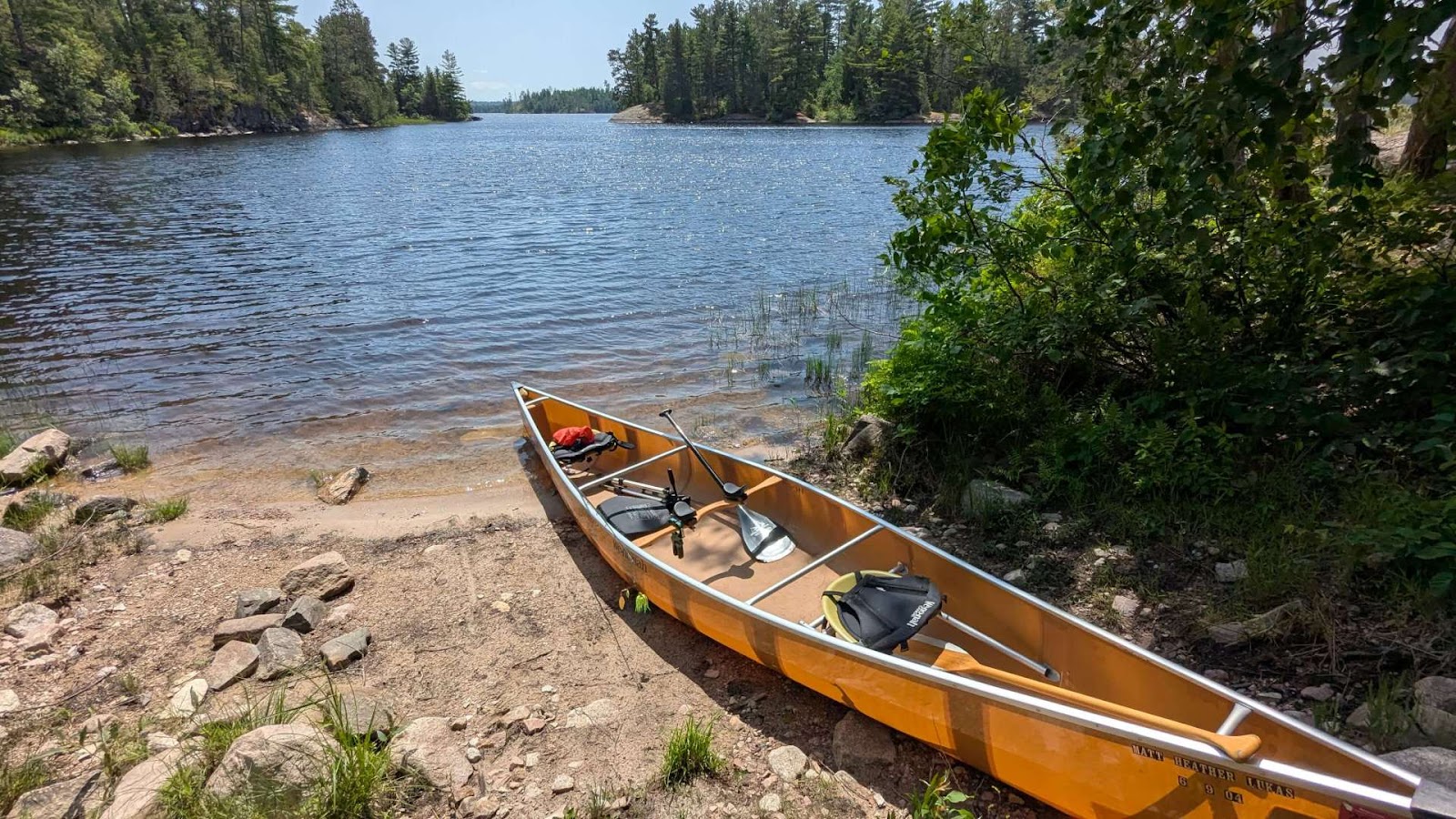
Midwest River Explorer wasn't built with a grand mission in mind. Honestly, I just wanted to make it easier for myself to find places to canoe. I got tired of juggling paper maps, searching through scattered websites for water levels, and using generic GPS apps that didn't really understand what a paddler needs.
I built this tool to solve my own planning headaches. I decided to share it online because I figured if it helps me, it might be helpful to you, too. Or maybe not. But it's here if you want to use it.
A quick reality check: This is a personal project and very much a work in progress. I am just one person adding the content and maintaining the code. While I try my best to be accurate, I might miss details or information could be outdated. Please don't take this map as 100% gospel—always do your own research and verify local conditions before you head out.
Helpful Resources
Here are the sites and tools I personally use to plan trips. From real-time water levels to local community guides, these are invaluable for any Midwest paddler.